Panera Bread Menu
Independent guide to Panera menu prices and calories Not affiliated with Panera Bread
Independent guide Not affiliated with Panera Bread
Independent guide to Panera menu prices and calories Not affiliated with Panera Bread
Independent guide Not affiliated with Panera Bread
The Panera app is where Rapid Pick-Up, MyPanera points and the Sip Club all live. This guide explains what each part does and how to set it up, without guessing at wait times or savings.
This is not Panera's site or app. We are an independent guide with no connection to Panera Bread. Features, fees and offers are set by Panera and can change, so the app itself is the final word on any of them.
Search for Panera Bread in the App Store or Google Play and install it. The app is free.
Create a free MyPanera account or sign in to one you already have, so every order counts toward rewards.
Pick the cafe you will order from. Its menu, prices and pickup times are what the app then shows you.
Save a card or another method the app accepts, and your first order is a few taps away.
Six things you can do in it, and how each works
Order and pay ahead, choose a pickup time, and collect from the pickup shelf instead of queuing at the counter.
10 points per dollar on orders linked to your account, spent at 250 or 2,000 points. The app shows the balance and applies the reward you choose.
The $14.99 a month drinks subscription is joined and redeemed through your account, so the app is where you use it.
Where your cafe delivers, you can order it through Panera's own app, which keeps the order linked to MyPanera.
Change ingredients on screen, and save an order you repeat so it is quicker next time.
Panera's published nutrition and allergen information is shown for items as you build an order.
Panera replaced its old spend-based rewards with points on 19 August 2026, and the rates are published, so they can be set out plainly.
10
points per dollar spent
250
points for a bagel or mini bakery item
2,000
points for a whole entree
Anything placed through DoorDash, Uber Eats or Grubhub, and anything ordered as a guest without your account. Buying a gift card earns nothing either, though spending one does. Our rewards guide works out what each level is worth at real prices.
Sensible first steps before contacting Panera
Rewards belong to your MyPanera account, not the phone. If an update signed you out, sign back in with the same email and the balance returns.
Close and reopen the app, check it is up to date, and try re-adding the payment method. If it still fails, ordering on Panera's website is a quick way to confirm whether the problem is the app.
Search by city or ZIP code instead of relying on the map, and check that the app is allowed to use your location if you want nearby cafes listed first.
Codes carry their own terms: many are tied to one account, a minimum spend, certain items or a date. The terms in the email or offer say which.
The cafe has no open slots for that time. Choose a later time, or a nearby cafe, from the options the app offers.
There is a waiting period between free drinks under the Sip Club rules. Check the timer in the app, and sign out and back in if it shows ready but still fails.
Yes, the app is free to download on iPhone and Android. You sign in with a MyPanera account, which is also free to join.
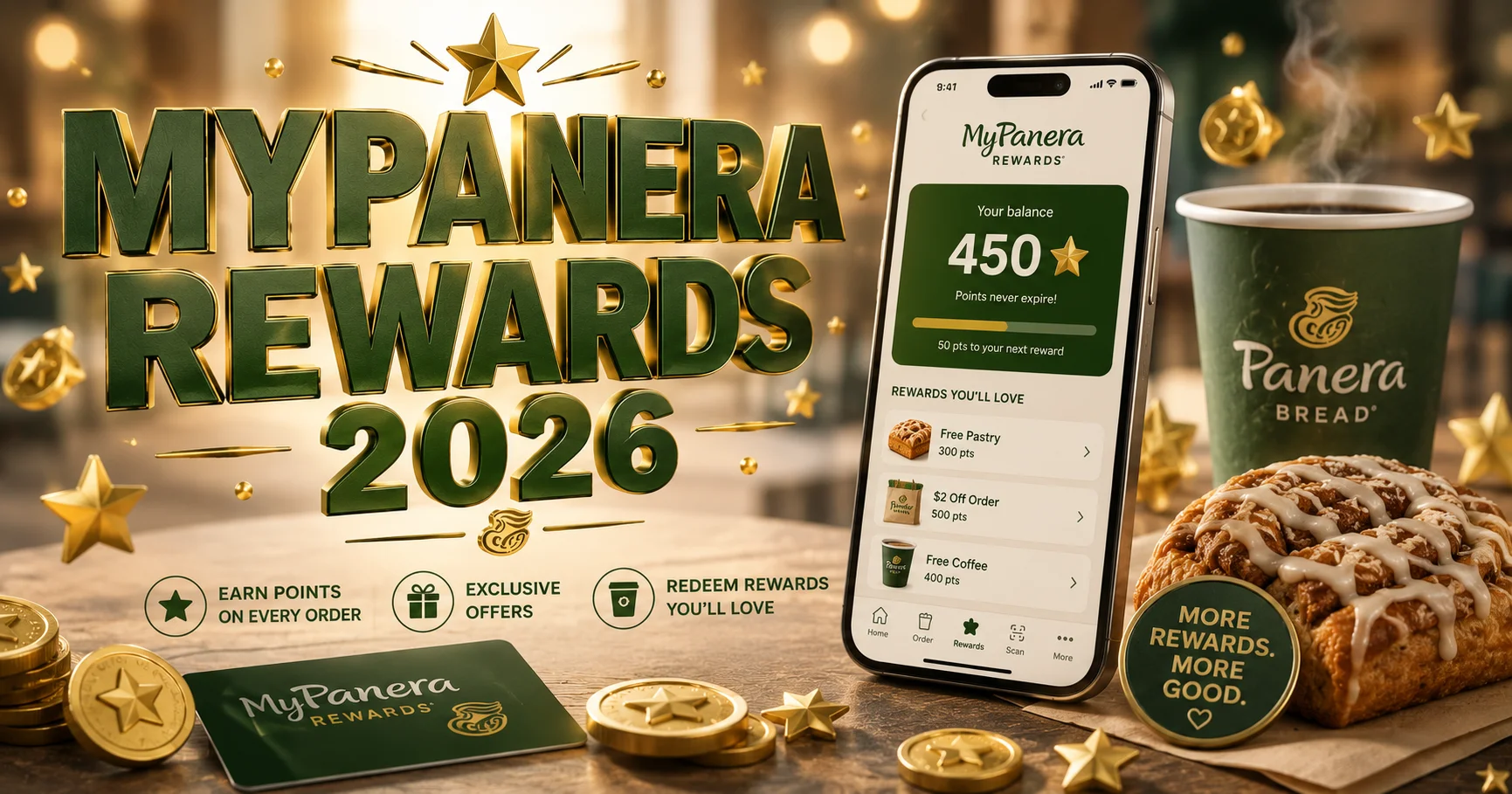
Since 19 August 2026 MyPanera is a points programme: 10 points for every dollar spent with your account, 250 points for a bagel or mini bakery item and 2,000 points for a whole entree. The app shows your balance and lets you choose a reward, which comes off your next order.
Yes. The Unlimited Sip Club is a $14.99 a month drinks subscription managed through your MyPanera account, and the app is where you sign up and redeem drinks. Our Sip Club guide covers the rules and when it pays for itself.
You order and pay in the app, choose a pickup time from the slots your cafe offers, and collect the order from the pickup shelf when you arrive instead of queuing at the counter.
No. Third-party delivery apps process the payment themselves, so Panera never records the order against your MyPanera account. Ordering delivery through Panera's own app or website is the way to earn points on it.
Catering orders can be placed through Panera's app and website. The items, prices and the notice your cafe needs are shown when you choose a date and time.
Panera publishes nutrition and allergen information for its menu, and the app shows it for items as you order. Our own nutrition pages sort the whole menu by calories and protein from our latest menu snapshot.
Panera offers a guest checkout, but an order placed as a guest is not linked to MyPanera, so it earns no points and cannot use rewards.
No. This is an independent guide with no connection to Panera Bread. Download the app from the App Store or Google Play.
The app is free from Apple and Google. Sign in with MyPanera so your orders count toward rewards from the first one.
More independent guides to Panera Bread prices, menus and ordering.